What to check before accepting camera and microphone permissions
Before granting camera or microphone access, verify the domain or app, confirm permission is necessary and choose temporary access when available. Watch the capture indicator during the call and withdraw permission afterwards if you do not want to retain it.
- Published
- Updated
- Reading time
- 8 min read
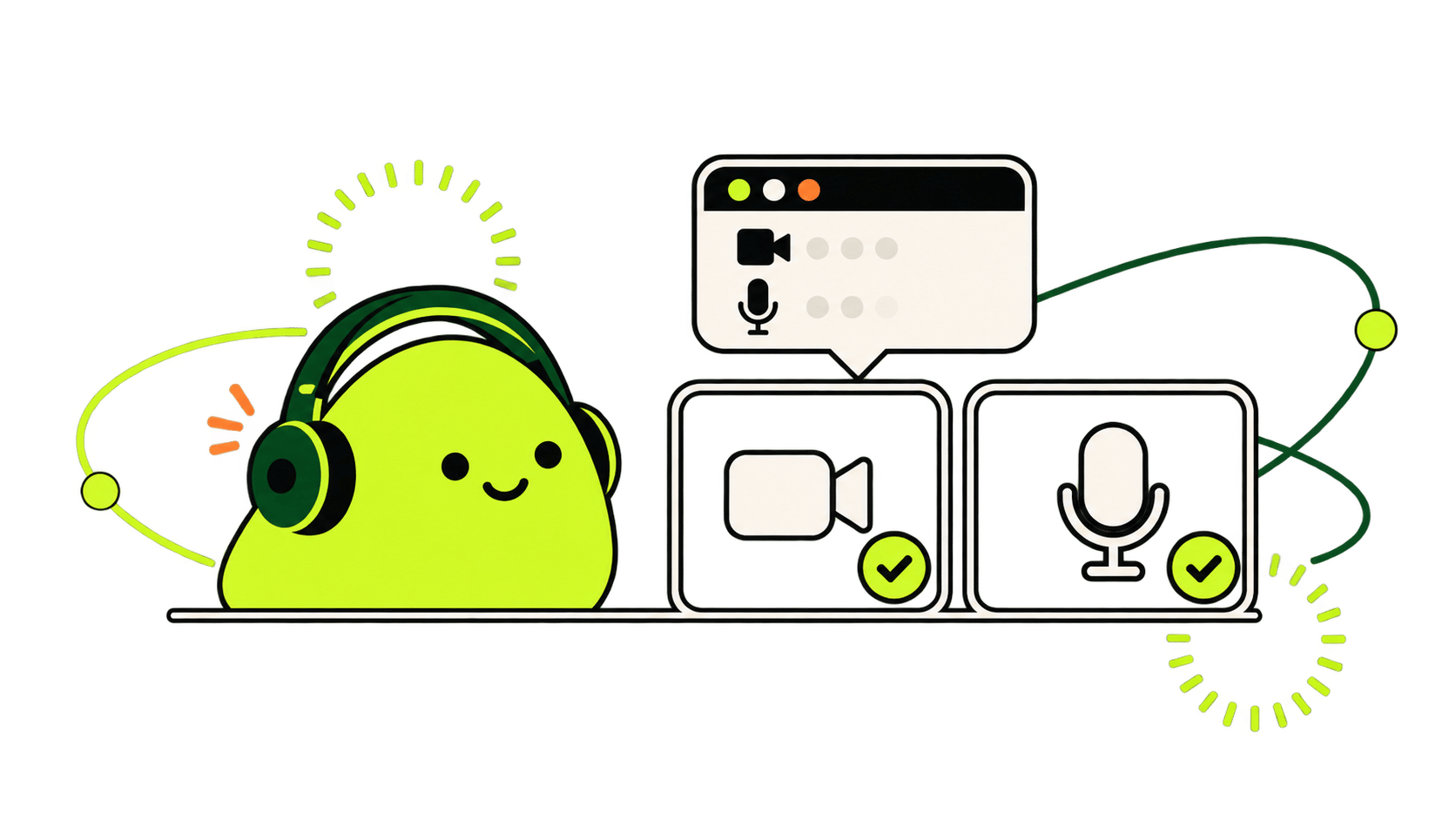
Why a website requests these permissions
Before granting camera or microphone access, verify the domain or app, confirm permission is necessary and choose temporary access when available. Watch the capture indicator during the call and withdraw permission afterwards if you do not want to retain it.
Apply the criterion to the situation and always keep an easy exit. No technical feature replaces your right to end a conversation.
Check the exact origin
Review these points before deciding or continuing the interaction.
- Correct domain and HTTPS connection
- Active camera or microphone indicator
- Selected input device
- Permiso temporal o persistente
- Open tabs and applications
Distinguish permission from trust
Use a short sequence to act without improvising under pressure.
- 1
Read the request
Check whether it requests camera, microphone or both.
- 2
Verify the domain
Do not accept from a copycat site or suspicious link.
- 3
Check the indicator
The system should show when capture is active.
- 4
Revoke
Use browser or system settings afterwards.
Revoke access when you are done
A platform's published information describes tools and rules but does not guarantee each person's conduct. For immediate danger, possible crime or situations beyond service support, seek appropriate outside help.
Sources consulted
Primary sources reviewed for this guide. The consultation date appears beside each link.
- Permissions APIMDN Web Docs · accessed on
- MediaDevices: getUserMedia()MDN Web Docs · accessed on
- Privacy in online meetingsAgencia Española de Protección de Datos · accessed on
Frequently asked questions
What permissions does a video chat app need?
A video chat app needs camera and microphone to transmit video and audio. It may request notifications, storage or location for additional features, but do not grant these automatically: check each permission's purpose and reject unnecessary ones.
What is this guide's main rule?
Before granting camera or microphone access, verify the domain or app, confirm permission is necessary and choose temporary access when available. Watch the capture indicator during the call and withdraw permission afterwards if you do not want to retain it.
Does a safety tool eliminate risk?
No. Blocking, reporting, permissions and moderation reduce or manage specific risks but cannot prevent every behavior or external capture.
When should I end the conversation?
Leave if uncomfortable, pressured or faced with sensitive requests, threats or unexpected links. You do not need to persuade the other person or justify your decision.